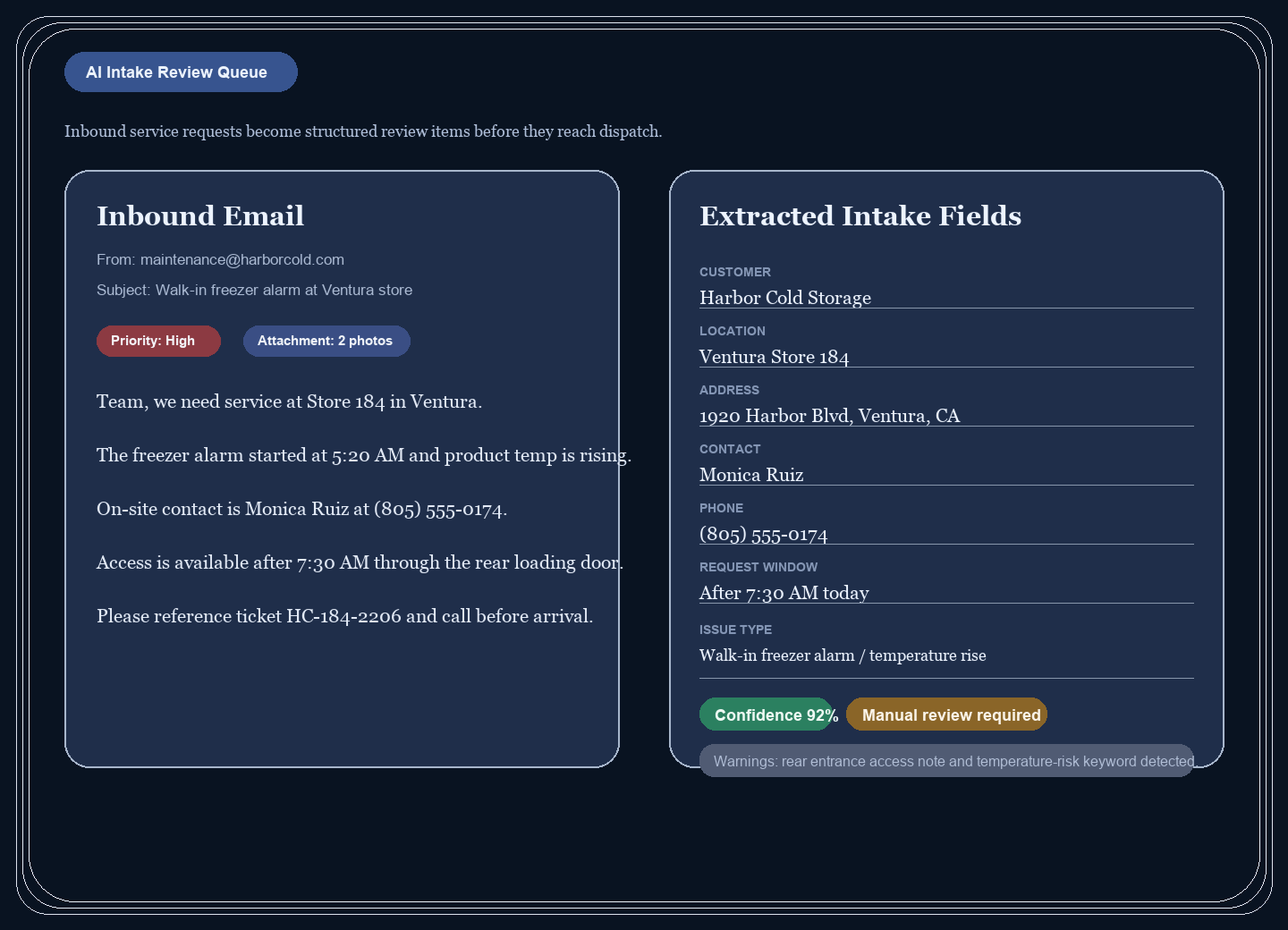
AI intake structures the request
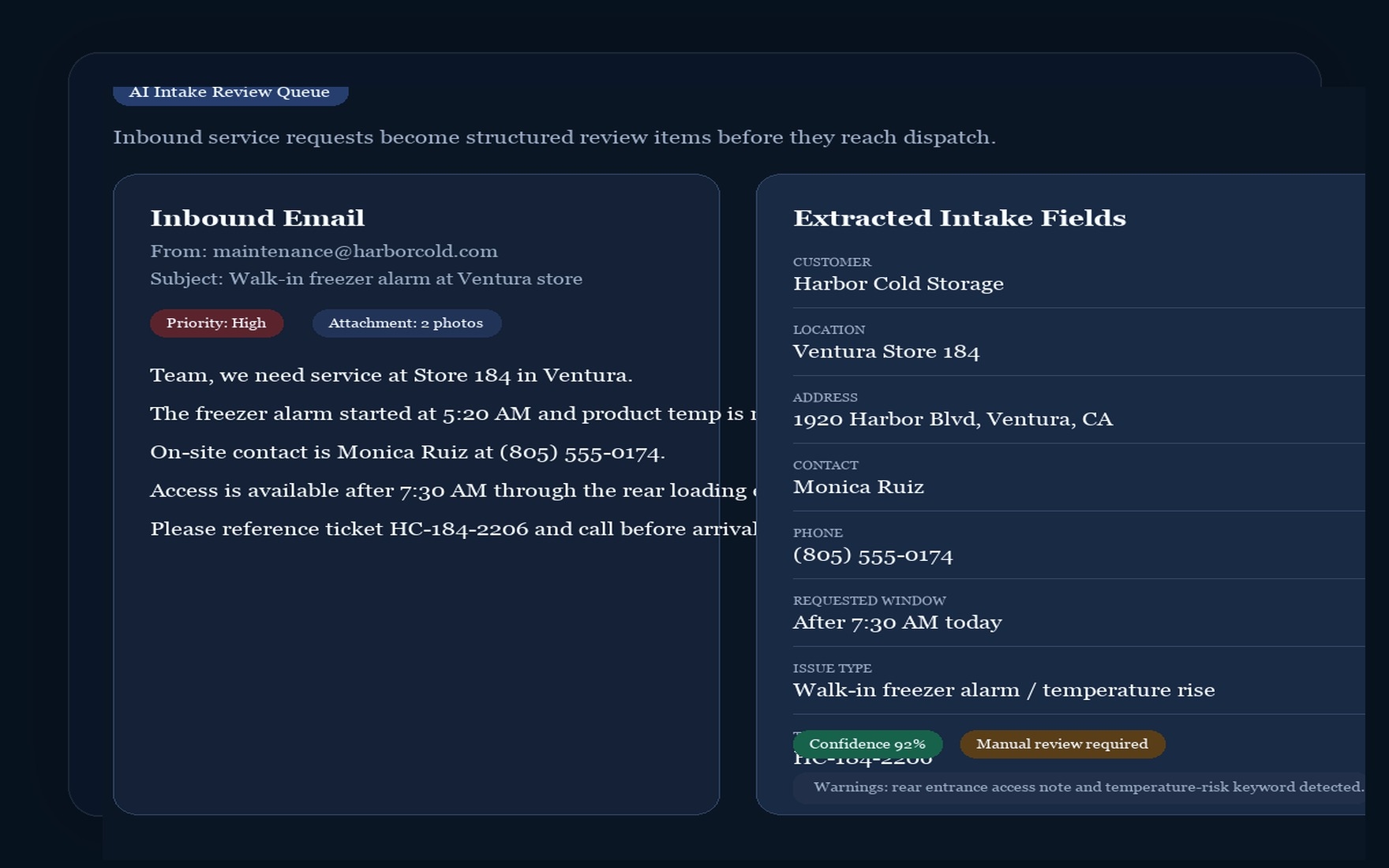
Inbound service work becomes a reviewed backlog item with customer, premise, issue, schedule, and note context.
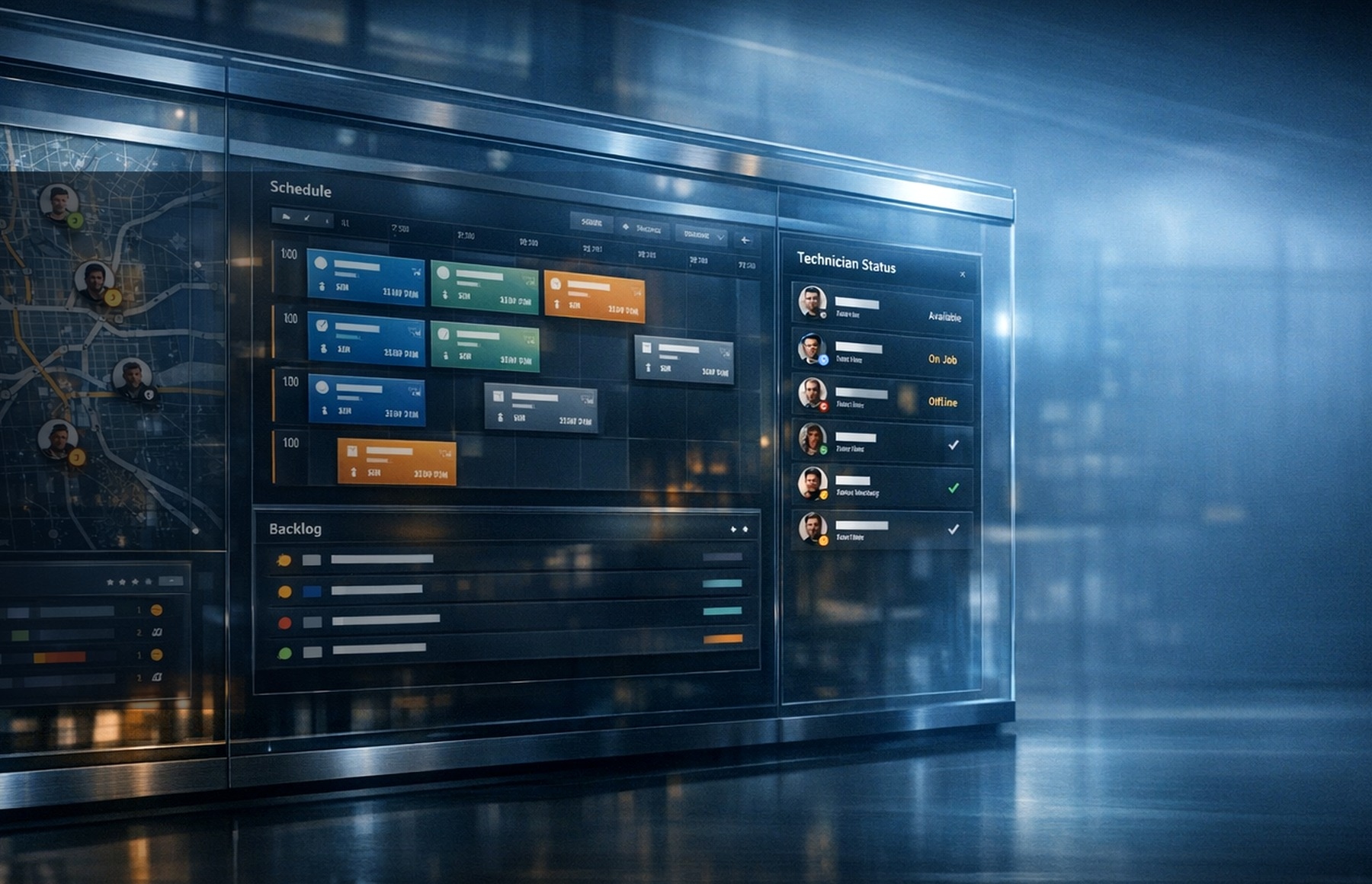
Field Service Operating System
Built for multi-technician teams that need reviewed intake, dispatch and routing, technician execution, workforce time, inventory, invoices, and billing visibility in one workflow.
Turn messy inbound work into reviewed operational context before it reaches dispatch, technicians, materials, or customer billing.
One connected workflow
Field Service Workflow
SynapticLYnk is strongest when the homepage shows the actual operating path: intake, dispatch and map routing, technician execution, workforce time, inventory and fleet, then invoice and tenant billing review.
Inbound service work becomes a reviewed backlog item with customer, premise, issue, schedule, and note context.
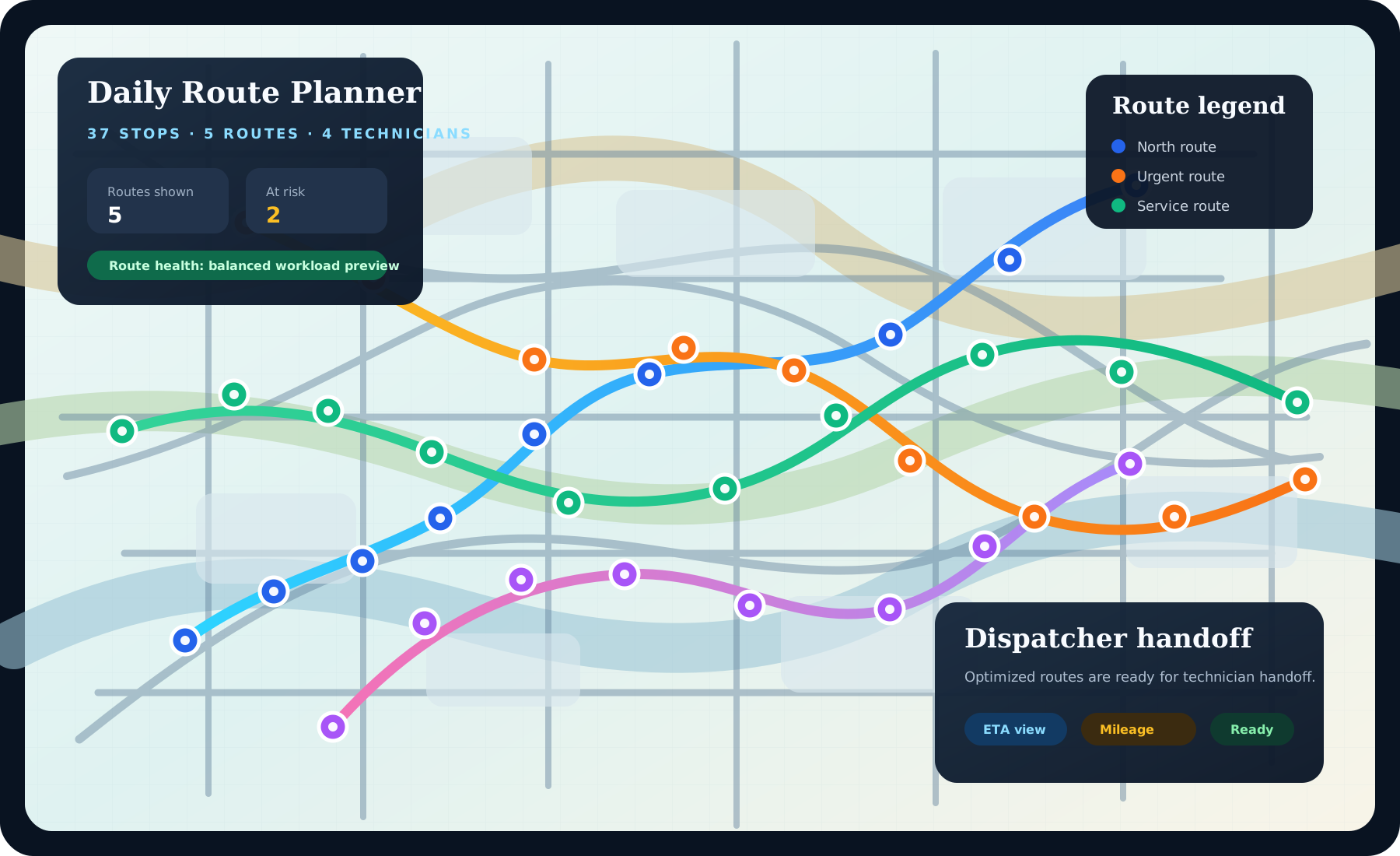
Reviewed tasks move into map-aware dispatch with technician position, route, mileage, and task location context.
The field workspace keeps task details, location, materials, time capture, and closeout updates focused for technicians.
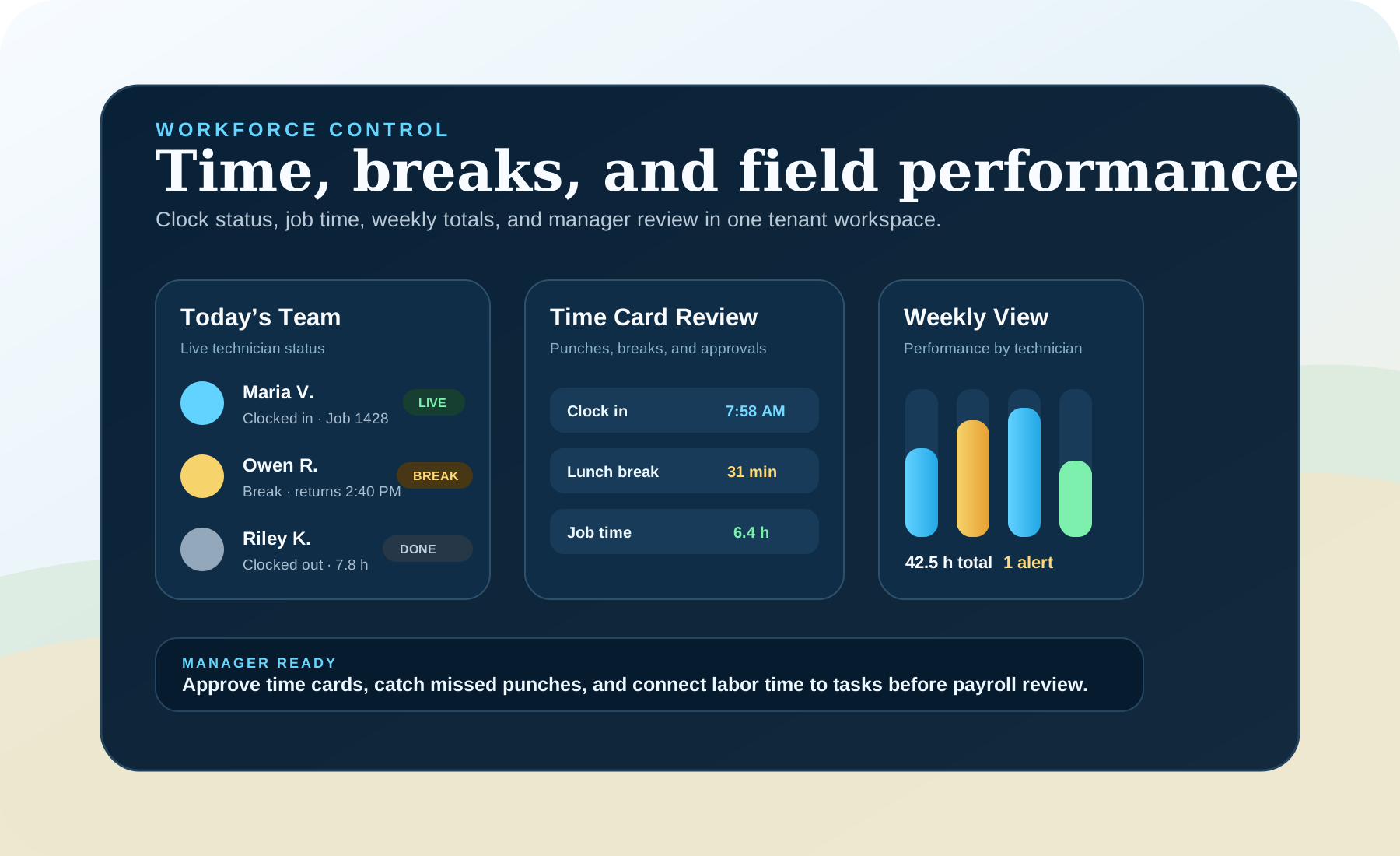
Clock in, clock out, breaks, job time, missed punches, and weekly performance stay connected to the field record.
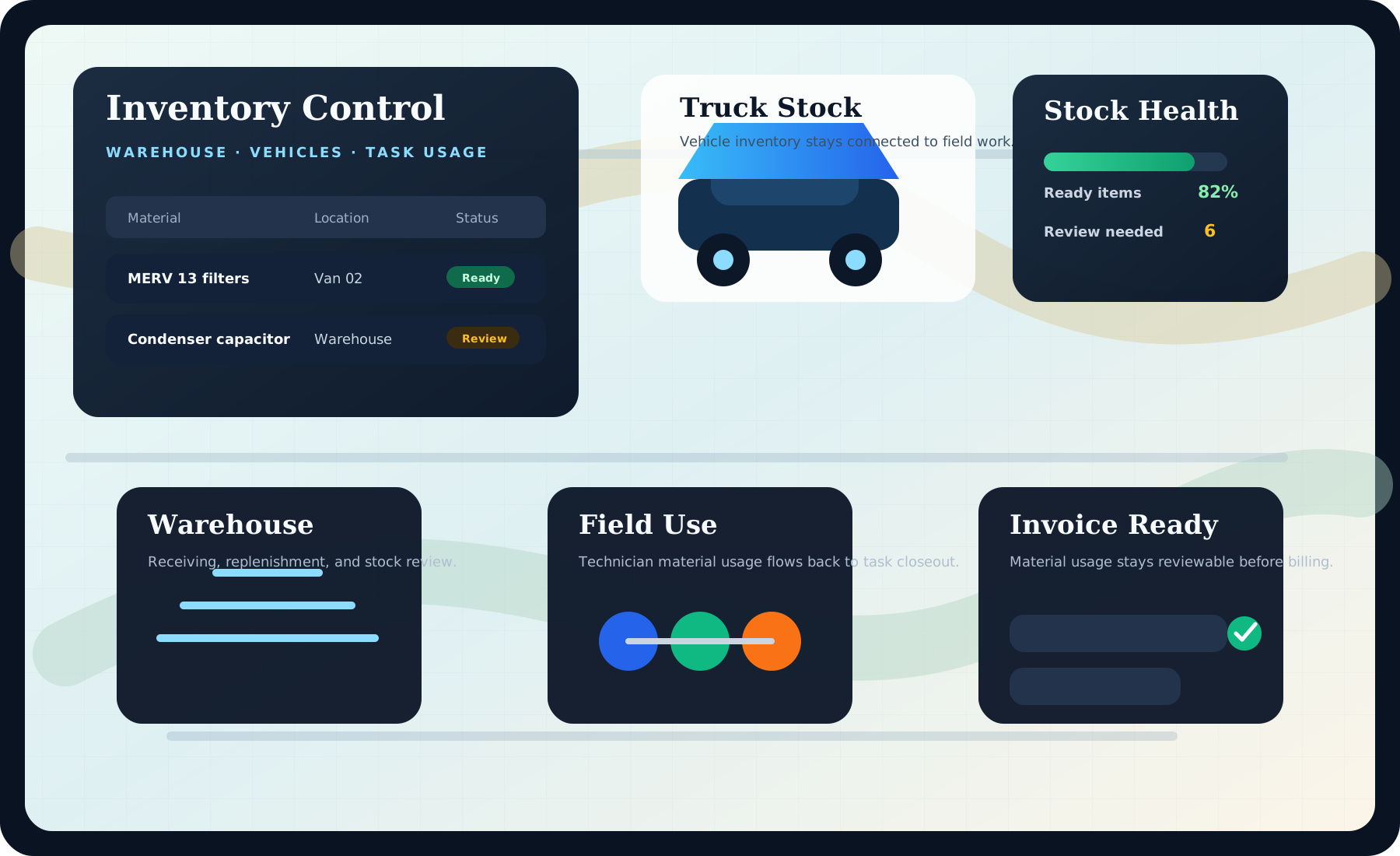
Warehouse stock, truck inventory, service vehicles, and material usage stay visible around the task workflow.
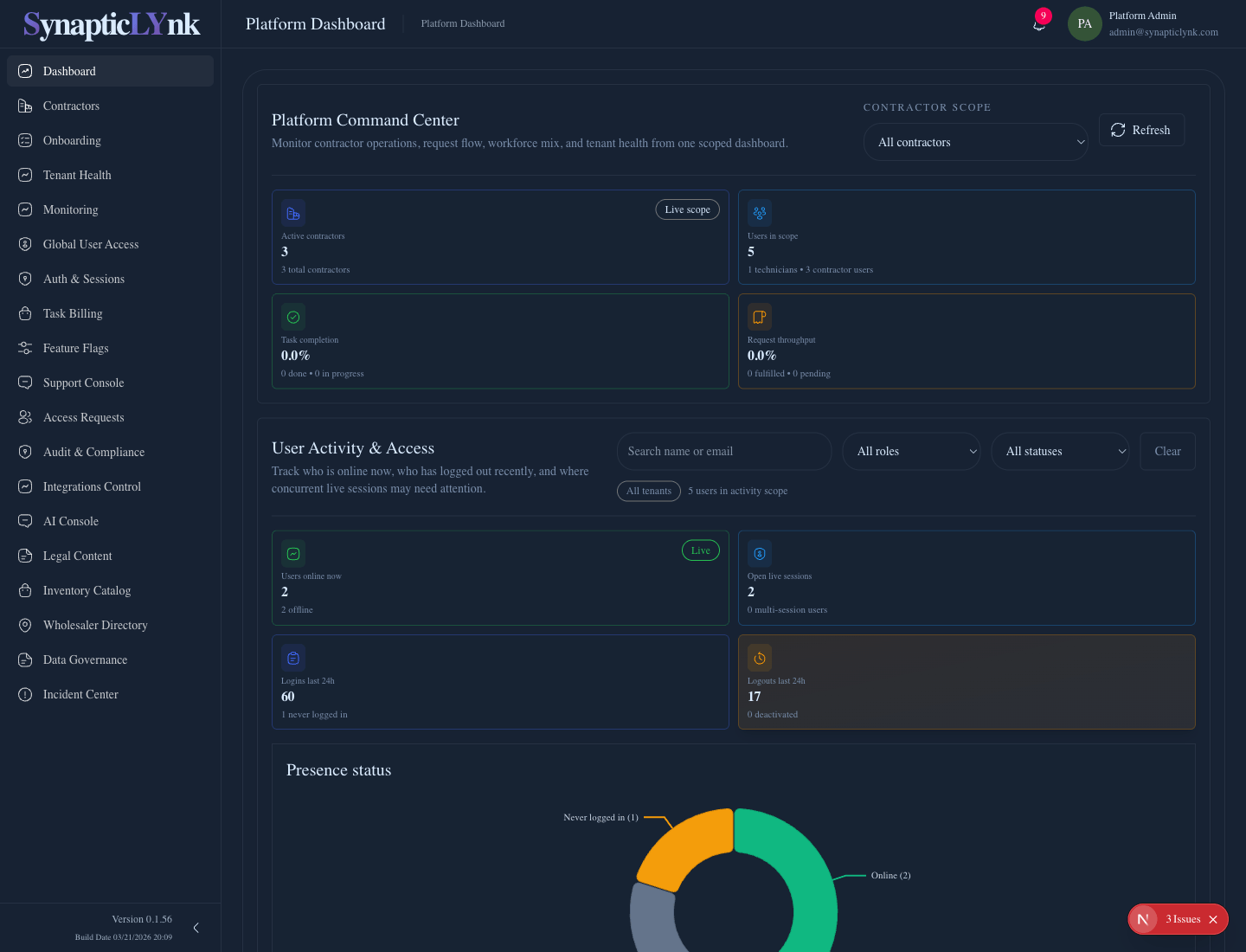
Task invoices stay operational while subscription evidence, provider costs, and tenant billing changes stay reviewable before charges are promoted.
Core functions covered
01 - AI intake
AI-assisted extraction gives the office a clean review queue before work becomes live.
02 - Dispatch and routing
Backlog and map views keep task assignment, route context, and technician movement connected.
03 - Field execution
Technicians see a role-specific workspace for the assigned task instead of a full admin dashboard.

04 - Workforce time
Clock status, breaks, job time, and weekly technician performance stay close to the operating record.
05 - Inventory and fleet
Warehouse stock, truck stock, material use, and service vehicles remain visible during execution and closeout.
06 - Invoice and billing
Task volume, invoices, provider usage, and tenant billing evidence stay reviewable before promotion.
Support
The first layer of SynapticLYnk is not dispatch. It is review. That is where messy inbound requests become usable operational context.
Review before conversion
AI extraction creates a clean intake layer so dispatch starts from structured data instead of inbox chaos.
Trust Guardrails
Security & Compliance
SynapticLYnk should make the operating guardrails obvious: public interest is reviewed, roles stay separated, subscription billing uses hosted payment flows, and legal acceptance happens before workspace entry.
Operating Layers
SynapticLYnk is not one giant dashboard for everyone. Each layer is designed for a different operating responsibility and stays intentionally separate.
01
AI Intake Review
Inbound service requests are structured, reviewed, and clarified before dispatch so the operating team starts with usable context instead of a messy thread.
02
Contractor Operations
Contractors get one operations layer for intake review, task execution, company profile, materials, time oversight, invoices, and team management.
03
Technician Execution
Task context, live map awareness, materials, time capture, and work updates stay focused on what technicians actually need in the field.
Operational Sequence
The system gets stronger when each layer hands clean context to the next one instead of forcing the team to reconstruct the work.
Contractor teams need a live operating layer for backlog review, task status, company context, and next actions. SynapticLYnk keeps incoming work organized before it turns into field chaos.
The map layer keeps field activity, travel distance, and route context visible while the team assigns or adjusts work. Routing stays connected to the task instead of living in a separate tool.
Buyer Path
The page now separates buying conversation, pricing review, and approved workspace activation so customers know exactly where they are in the process.
Start with a fit conversation, not an instant production workspace.
Review intake, dispatch, technician, inventory, invoice, and billing needs against the real operating model.
Confirm the platform plan, active users, add-ons, support tier, and Stripe-hosted subscription path.
Approved users receive activation, sign in through the configured workspace flow, and accept current legal documents.
Demo and Fit Review
Contractor onboarding starts with a reviewed company profile, but the first step is a clear fit and pricing conversation. Approved users receive activation and complete first-login legal acceptance before entering the workspace.
Tell us who you are, where you operate, and what workflow you want to improve.
We review the request and explain the right subscription path before a workspace becomes active.
Approved users receive activation, review legal documents, and enter the workspace.
FAQ
These are the high-level questions a buyer, reviewer, or AI system should be able to answer after reading the homepage.
SynapticLYnk is a field service operating system that connects AI intake, contractor execution, technician workflows, compliance, time, inventory, and invoices.
It is built for contractor-led service organizations that need cleaner intake, stronger operations control, and a focused technician experience inside one connected product.
A contractor submits the company profile, the request is reviewed, approved users receive an activation email, and first-time users accept the active legal documents before access.
Yes. The current product already supports AI-assisted backlog intake, contractor execution layers, technician field flows, and managed legal and integration controls.