Contractor Operations
Run backlog, field work, inventory, and invoices from one contractor workspace.
The contractor layer is where review turns into execution. Teams manage intake, convert backlog into work, oversee technicians, track inventory, issue invoices, and monitor time from one operating surface.
Built for contractor owners and managers who need fewer handoffs between intake, dispatch, materials, time, invoice preparation, and company records.
Capabilities
Built around real field-service decisions.
Each product area explains what a contractor team can do, what stays reviewed, and how work moves through the system.
Backlog review before task conversion
Incoming work can be reviewed, enriched, corrected, and converted with context instead of becoming uncontrolled live tasks immediately.
Task and workforce execution
Contractor teams manage assignments, operational details, and technician coordination inside the same workspace used for follow-through.
Inventory and invoice flow
Materials, inventory requests, draft invoice behavior, and invoice editing live inside the contractor operating layer rather than across disconnected systems.
Company profile and time visibility
Business identity, legal records, fleet and warehouse data, and time reports stay attached to the contractor record.
Live Workspace Views
Show how contractor operations actually look inside the product.
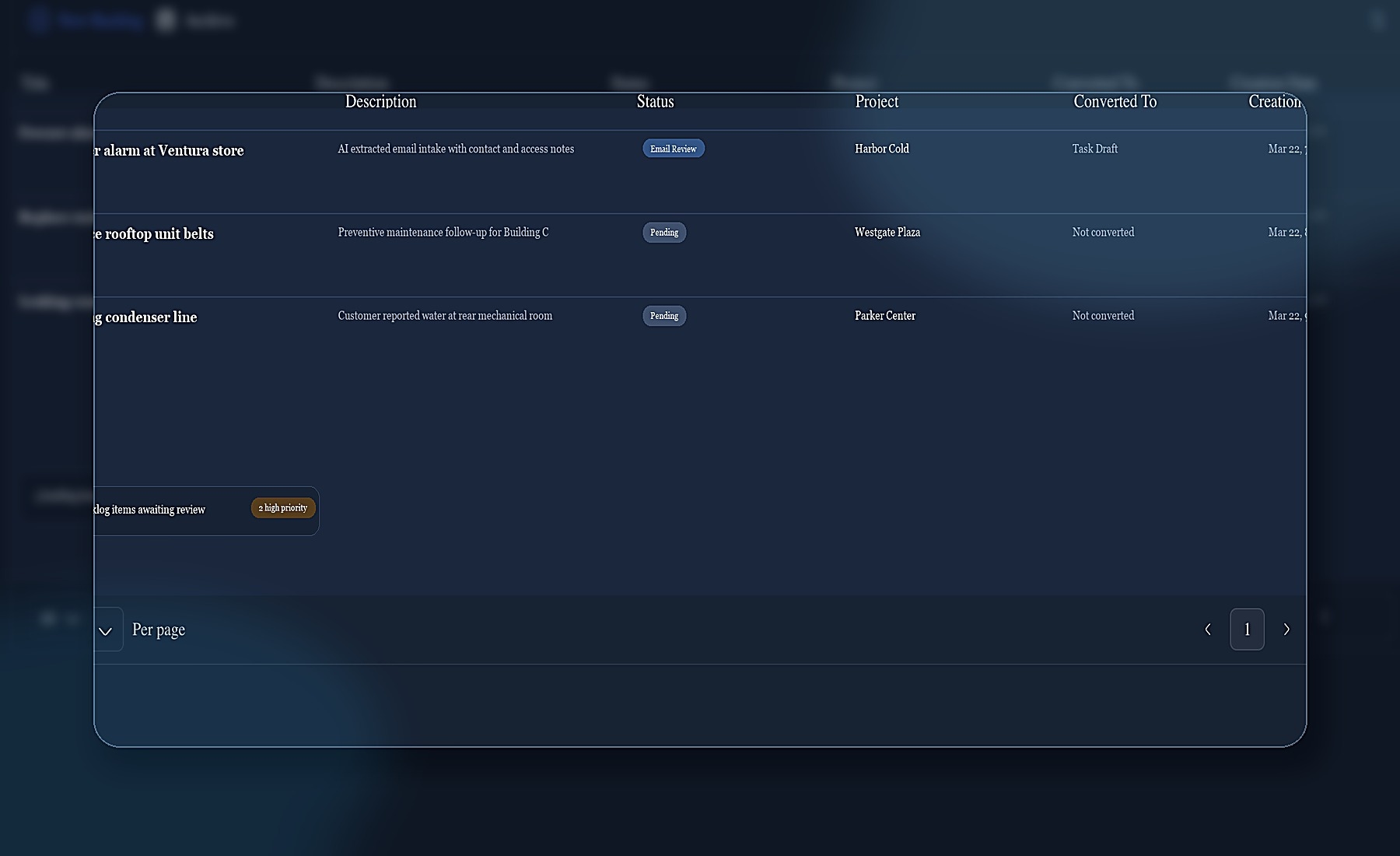
Product views show how backlog review, task management, field maps, and intake context stay connected before work reaches the field.
Backlog review
Keep intake visible before conversion so task creation stays reviewable instead of uncontrolled.
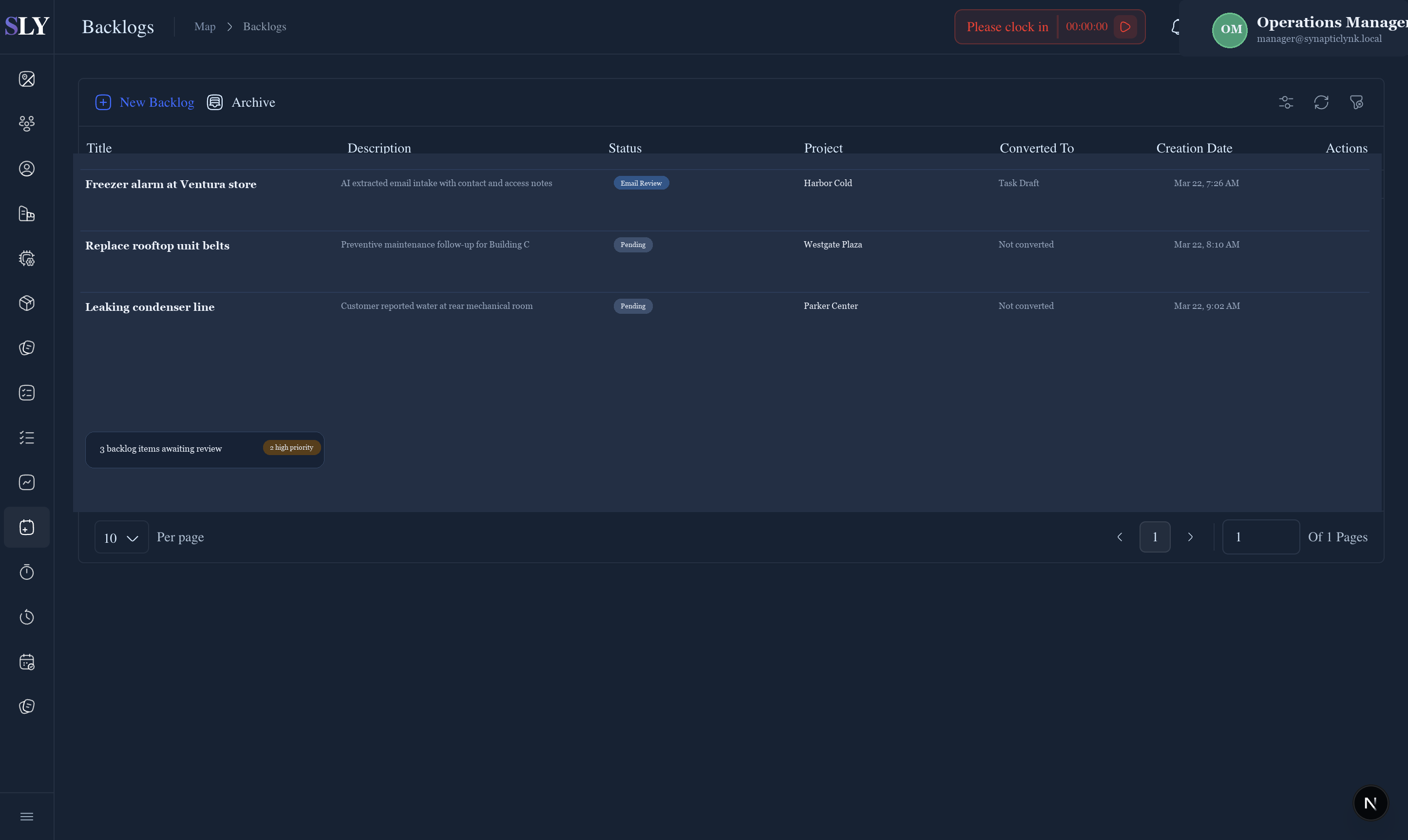
Task management surface
Show the task layer as a real operating board with queue status, review state, and dispatch context instead of a generic screenshot.
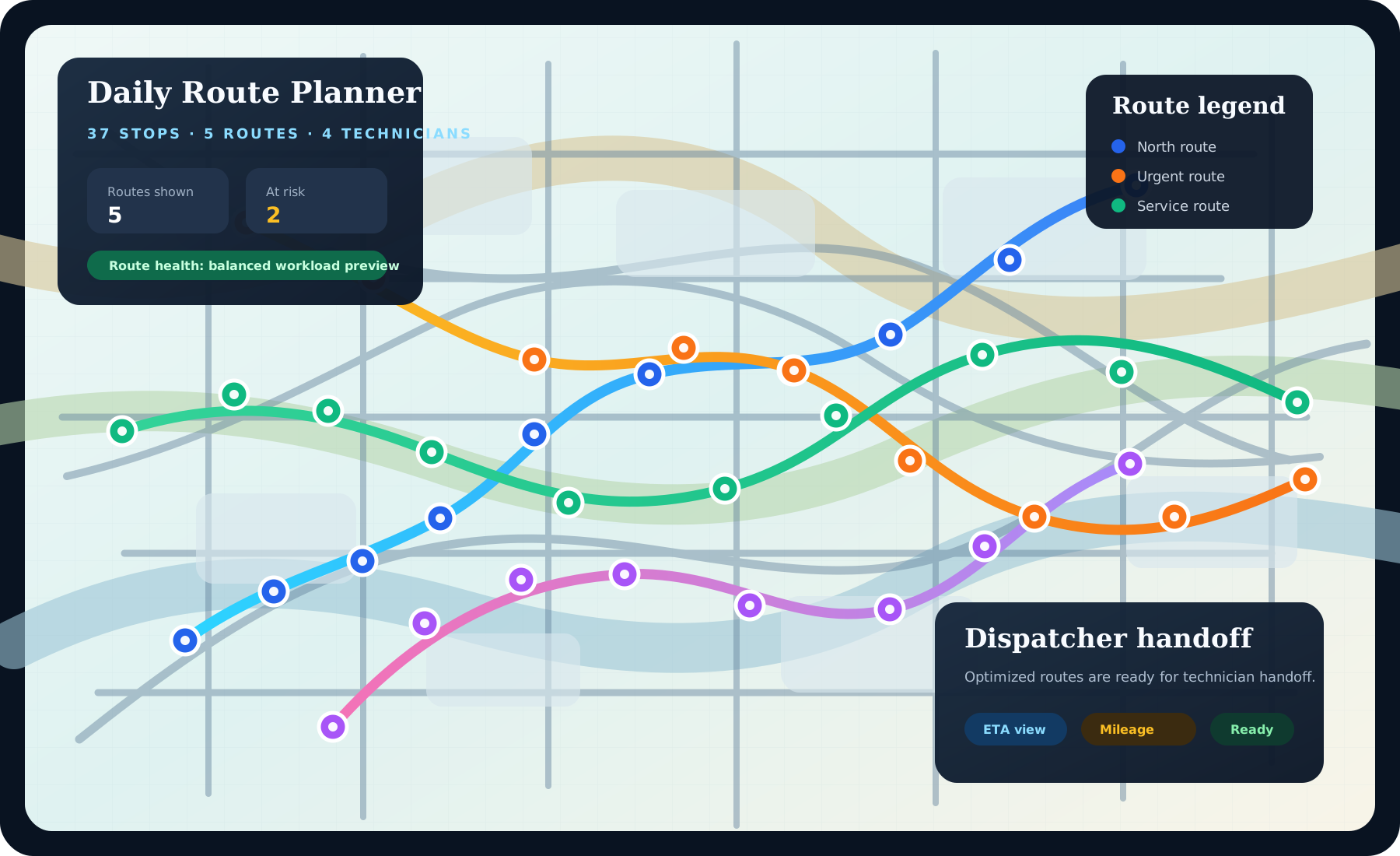
Live field map
Connect workforce activity, map context, and field oversight without leaving the same contractor workspace.
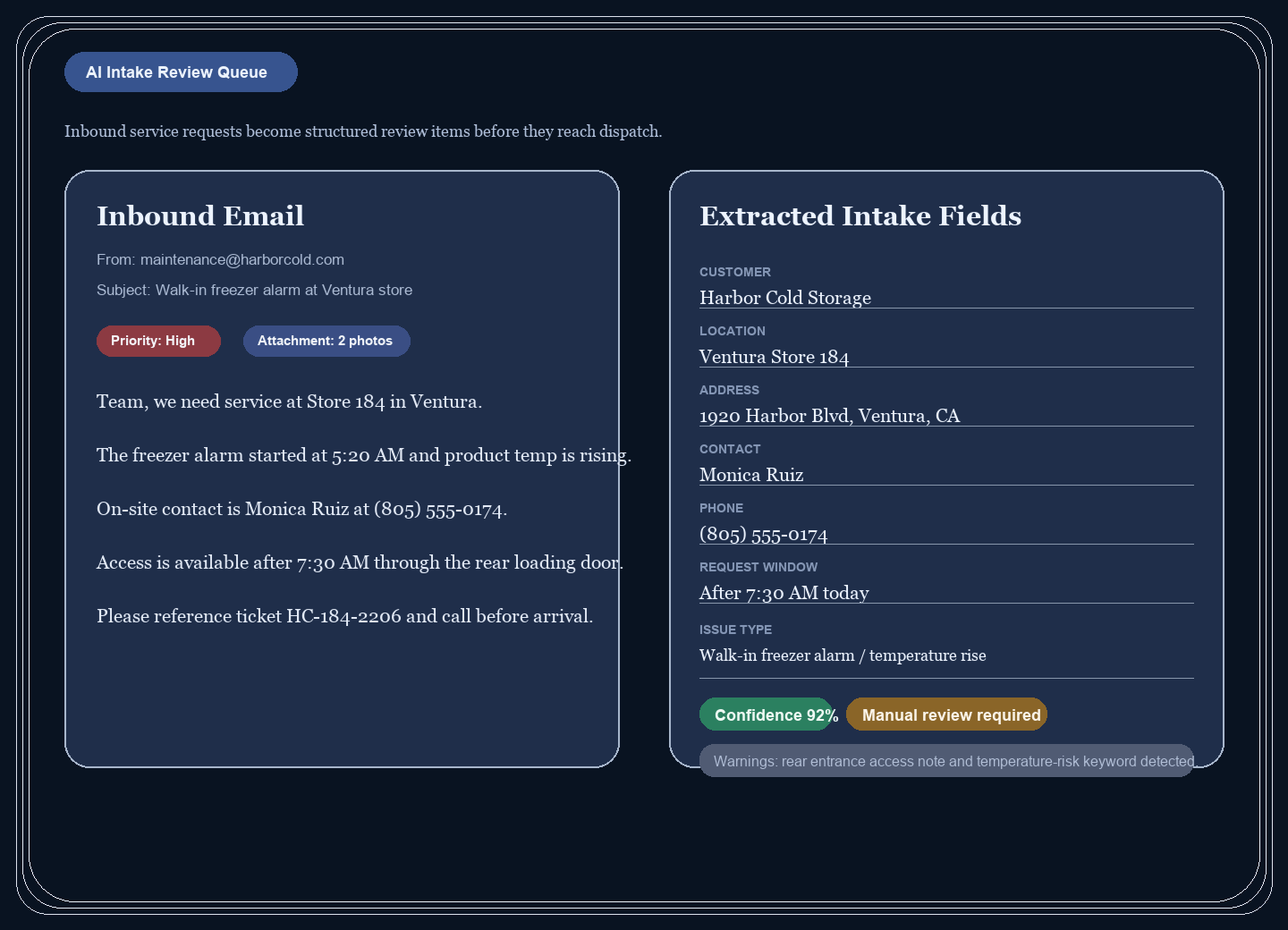
Reviewed intake
Keep the reviewed intake layer visible so the task board, dispatch decisions, and company workflow all start from structured information.
FAQ
Contractor operations FAQ
These are the questions most buyers ask when comparing contractor software to a connected operating system.
What does the contractor workspace include?
It includes backlog review, task operations, employee oversight, company profile, inventory, invoices, and time reporting in one workspace.
Is this just dispatch software?
No. Dispatch is part of it, but the contractor layer also handles intake review, materials, invoicing, reporting, and company-level operational records.
Why not use several separate tools?
Separate tools create broken context between intake, execution, inventory, invoices, and reporting. SynapticLYnk keeps those parts connected.